
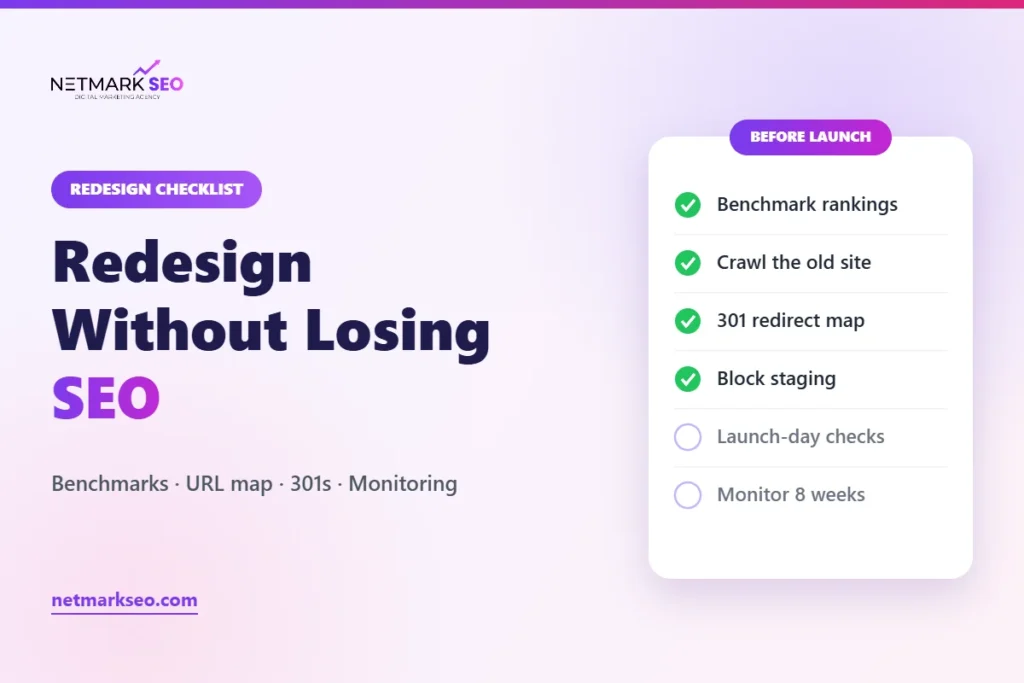
You can redesign a website without losing SEO if you keep (or redirect) every URL that has rankings or links, carry over the content and on-page elements that earn traffic, keep search engines out of the staging site, and check indexing closely for several weeks after launch. Most traffic losses after a redesign come from a handful of avoidable mistakes: missing redirects, deleted pages, a noindex tag left on from staging, or important content cut for the sake of a cleaner design.
Use this checklist with your designer and developer. It’s split into what to do before, during and after launch.
Before you start: decide what kind of change this is
The risk depends on how much changes.
| Change | SEO risk | Notes |
|---|---|---|
| New design, same URLs, same content | Low | Mainly a speed, mobile and template check |
| New design and restructured content or URLs | Medium | Needs a full redirect map |
| New platform (for example WordPress to Shopify) | Medium to high | URLs, templates and features all change |
| New domain name | High | Use Google’s site-move process and the Change of Address tool |
| Several of the above at once | Highest | Stage the changes if you can |
Phase 1: Before the redesign
1. Benchmark everything
Record where you are now, so you can spot problems quickly after launch.
- Google Search Console: clicks, impressions and average position for the last 3 to 12 months, exported by page and by query
- Google Analytics 4: organic sessions and conversions by landing page
- Rankings for your 20–50 most important keywords
- Core Web Vitals and PageSpeed scores for key templates
2. Crawl the current site
Use a crawler to export every URL along with its title, meta description, H1, canonical tag, status code and internal links. This is your reference copy of the old site.
3. Identify the pages you can’t afford to lose
- Pages with organic traffic or conversions
- Pages with backlinks from other websites
- Pages ranking in the top 20 for valuable searches
Mark these as protected. Their content and URLs should only change for a clear reason.
4. Build the URL map
Create a spreadsheet with every old URL in one column and its new URL in the next.
- If the URL stays the same, write it down anyway.
- If it changes, map it to the closest equivalent page, one to one.
- Only redirect to the homepage or a category as a last resort. Mass redirects to the homepage are treated much like deleted pages.
- Decide what happens to pages being removed: redirect them to a relevant page, or let them return 404/410 if nothing relevant exists.
Phase 2: During the build
5. Keep search engines out of staging
Password-protect the staging site. A noindex tag or robots.txt block also works, but remember to remove it at launch. Forgetting to remove it is one of the most common causes of “our new site disappeared from Google”.
6. Carry over what works
- Keep high-performing copy, or improve it. Don’t cut it to fit a minimalist design.
- Keep or improve titles, meta descriptions and H1s, especially on protected pages.
- Keep structured data (LocalBusiness, Product, FAQ, Article, Breadcrumb).
- Keep image alt text and keep images compressed.
7. Rebuild internal linking
New menus often drop links to important pages. Check that every protected page is still linked from the menu, related pages or the footer, and that internal links point straight to the final URL rather than through redirects.
8. Test performance and mobile on staging
Test the new templates, not just the homepage, in PageSpeed Insights. A heavier design with sliders, videos and new scripts can easily be slower than the old site.
9. Prepare tracking
Install GA4, Google Tag Manager and conversion events on staging, and confirm forms, calls and WhatsApp clicks are tracked before launch.
Phase 3: Launch day
- Remove staging password,
noindexand robots.txt blocks. - Deploy all 301 redirects from the URL map.
- Test a sample of old URLs, including every protected page. Each should go to the right new page in a single redirect, with no chains.
- Check canonical tags point to the live URLs, not staging.
- Submit the new XML sitemap in Search Console.
- Inspect key URLs with Search Console’s URL Inspection tool and request indexing for the most important ones.
- Check that analytics and conversion tracking are recording.
- If the domain has changed, use the Change of Address tool in Search Console.
Phase 4: After launch
First week
- Search Console Pages report: watch for spikes in “Not found (404)”, “Blocked by robots.txt” or “Excluded by noindex”.
- Crawl the live site: broken internal links, redirect chains, missing titles.
- Check that backlinks to old URLs land on the right pages.
First four to eight weeks
Some movement in rankings is normal while Google recrawls and processes the changes. Compare against your benchmark:
- Clicks and impressions by page: which protected pages lost traffic?
- Queries that dropped: is the page that used to rank still there, still linked and still covering the topic?
If you see a sustained drop on specific pages, the cause is usually a missing redirect, removed content or a change in the page’s focus. Our guide to recovering SEO rankings walks through the diagnosis.
Common redesign mistakes
| Mistake | Result |
|---|---|
| No redirect map | Old URLs return 404s; rankings and backlinks lost |
| Redirecting everything to the homepage | Treated much like deleted pages |
noindex left on from staging | Site drops out of Google |
| Thin “minimalist” pages replacing detailed ones | Pages lose relevance for their keywords |
| New URLs with canonicals pointing to staging | Google ignores the live pages |
| Changing domain, platform and content at the same time | Hard to diagnose what caused the drop |
| No tracking until weeks after launch | No way to measure the impact |
Frequently asked questions
Will a redesign improve my rankings?
It can, if the new site is faster, clearer and better structured, and the content improves. A redesign that only changes the look rarely moves rankings by itself.
How long does traffic take to recover after a migration?
For a well-planned redesign with correct redirects, any dip is usually small and short. Platform or domain changes take longer while Google processes every URL. A drop that keeps getting worse after a few weeks points to a technical problem, not normal fluctuation.
Do I need to keep the old URLs if I’m moving to Shopify?
Shopify uses fixed prefixes such as /products/ and /collections/, so most URLs will change when you move. That’s fine, as long as every old URL is redirected to its new equivalent. Shopify has a built-in URL redirect tool. See Shopify vs WordPress for SEO and our Shopify SEO services.
Planning a redesign?
Our web design team in Dubai builds new websites with SEO handled from the start, including URL mapping, redirects and post-launch monitoring. If you’re budgeting, see website design costs in Dubai, or contact us on +971 56 568 3130 for a free review of your current site before you redesign.