
Browser-based business software
Web Application Development in Dubai
A website tells people about your business. A web application lets them do something with it: book an appointment, manage an account, track an order, approve a request, analyse data or run part of their own business on your platform. Netmark SEO designs and builds web applications for companies in Dubai and across the UAE, from customer portals and internal dashboards to booking systems and subscription products.
- Dubai-based team
- Arabic & English products
- You own the code and accounts
If you are looking for a marketing website or an online store, our website design and development team handles those. This page is about interactive, browser-based software, and the decisions that come with building it.
Overview
Web Applications for Business Workflows
Business web applications earn their place by removing manual work and giving people self-service access to information. Typical starting points include:
A customer who emails three times to ask about an order status that already exists in your system.
Staff who update a shared spreadsheet that frequently breaks or gets overwritten.
Partners or agents who need to submit and track requests, but currently do it by phone.
A manager who waits until the end of the month for numbers that could be visible every morning.
A web application turns these into structured workflows with the right access for each person, available from any browser without installing anything. Because it runs on your servers rather than on individual devices, every user always has the latest version, and updates can be released without waiting for app store reviews.
What we do
What We Can Build
Custom web application development covers a wide range of products. The most common types we’re asked about are:
| Type | What it does | Example features |
|---|---|---|
| Customer portals | Self-service access for your customers | Account management, order and invoice history, document downloads, support requests |
| Operational dashboards | Live view of what is happening in the business | KPIs, filters, charts, alerts, scheduled reports |
| Booking and scheduling systems | Manage appointments, resources and capacity | Availability calendars, online booking, reminders, staff rotas, payments |
| Workflow applications | Structure requests and approvals | Forms, multi-step approvals, status tracking, audit history |
| Marketplaces | Connect buyers and sellers or customers and providers | Listings, search, profiles, messaging, commissions |
| SaaS products | Software you sell to other businesses on subscription | Multi-tenant accounts, subscription billing, team management, usage limits |
Our web app development services include the full product: interface design, frontend and backend development, the admin area your team uses, integrations, testing, deployment and support after launch.
Choosing an approach
Web App, Website or Mobile App?
This is one of the first questions to settle, because it shapes the whole project.
| Choose a… | When | Trade-offs |
|---|---|---|
| Website | The goal is information, marketing and lead generation; content changes but users don’t log in to do tasks | Fastest to launch; limited interactivity |
| Web application | Users log in to complete tasks, mostly on laptops or desktops, or you need one product that works on any device | No app store approval; works everywhere; limited access to some phone features and offline use |
| Mobile app | Users need it on the go, daily, with push notifications, camera, location or offline access | Best on-phone experience; store review; separate builds unless cross-platform |
Many products combine them: a web application for staff and administrators, plus a mobile app for customers or field teams, sharing the same backend. Progressive web apps sit in between. They are web applications that can be installed on a phone’s home screen and work partly offline, which suits some internal tools and simple customer services.
Features
Interfaces, Backend Systems and Integrations
The frontend
The frontend is everything users see and interact with in the browser. For web applications this usually means a fast, responsive interface that updates without reloading the page, works on screens from phones to large monitors, and supports Arabic and English where needed. Interface quality matters more in an application than on a website, because people use it repeatedly to get work done. Our UI/UX design services focus on making those repeated tasks quick and error-free.
The backend
The backend is the part users never see: the server, database and business logic. It stores data, enforces rules (who can approve what, how prices are calculated), runs scheduled jobs such as reminders and reports, and exposes APIs that the frontend, mobile apps or other systems use. A well-designed backend is what lets a product grow from a few dozen users to many thousands without a rewrite.
Integrations and APIs
Most web applications need to talk to other systems: payment gateways, email and SMS providers, calendars, maps, CRMs, accounting software or your own legacy systems. We review each integration during discovery, confirm what the other system’s API supports, and design the data flow, including what happens when the other system is unavailable. If your web app is one part of a wider business system, our custom software development work covers process mapping, data migration and integration in more depth.
Overview
Authentication and User Access
Login and permissions are where web applications differ most from websites, and where mistakes are most costly. We plan:
Sign-in methods
email and password, one-time codes, Google or Microsoft sign-in, and single sign-on for business customers where needed.
Two-factor authentication for administrators and sensitive accounts.
Roles and permissions, so each user sees only the data and actions appropriate to them, such as a branch manager seeing their branch but not others.
Multi-tenant separation for SaaS products, so one customer’s data is never visible to another.
Session security, password policies, rate limiting on login attempts and audit logs of important actions.
Security measures are agreed and documented as part of the scope, along with any requirements from your IT or compliance team.
How we work
Our Web Application Development Process
01
Discovery
We define users, roles, core workflows, integrations and the first release scope, and identify risks early.
02
UX and prototype
Key workflows become wireframes and a clickable prototype that users can try before development.
03
Architecture
We choose the technical approach, database structure and hosting setup based on expected users, data and security needs.
04
Iterative development
Features are built in short cycles and released to a staging environment where you can review working software regularly.
05
Testing and UAT
Internal testing, then user acceptance testing with your team.
06
Launch
Deployment to production, data import where needed, monitoring and a support period.
07
Continuous improvement
Because web apps can be updated at any time, we plan regular release cycles for improvements after launch.
Quality
Testing, Performance and Deployment
Testing across browsers and devices
We test each workflow on current versions of the major browsers (Chrome, Safari, Edge and Firefox), on desktop, tablet and phone screen sizes, and with each user role. Edge cases get special attention: expired sessions, double submissions, slow connections and incomplete data.
Performance and accessibility
Fast load times and responsive interactions keep users productive. We optimise how data is loaded, cache what can be cached and keep pages light. For public-facing parts of an application, performance also affects search visibility; our guide on how speed affects search visibility explains why. Accessibility is built in from the design stage: keyboard navigation, screen-reader labels, colour contrast and clear error messages, in line with WCAG guidance agreed for your project.
Hosting and deployment
Web applications run on cloud hosting sized to your expected usage, with separate environments for development, staging and production. Deployments are automated where possible so releases are repeatable, and backups and monitoring are configured before launch. Hosting accounts should be held in your company’s name.
Our work
Web Application Projects
Browser-based platforms our development team has built and worked on, from multi-portal CRMs and cloud document management to AI support tools.

Business management software
ScoreCEO: Credit Repair Business Platform
A multi-portal CRM with client, affiliate and admin portals, automated dispute management and compliance tools.
- C#
- ASP.NET
- Angular
Document management
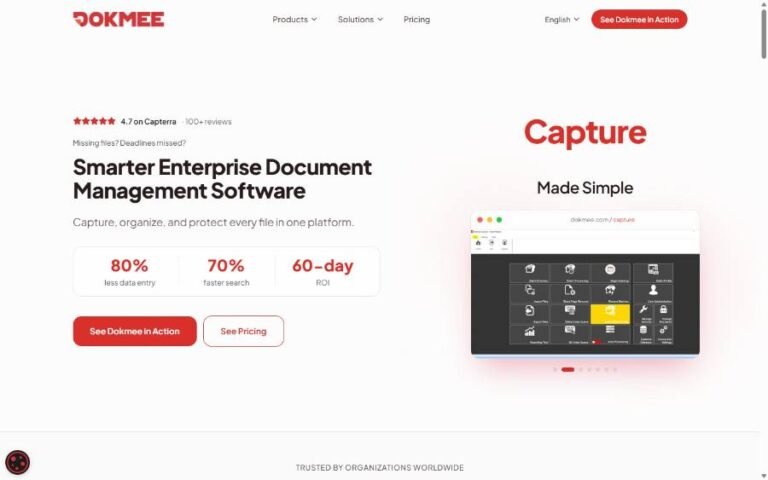
Dokmee: Enterprise Document Management Suite
Capturing, indexing, routing and auditing business documents across Dokmee ECM, Capture, Cloud ECM and Mobile ECM.
- C#
- ASP.NET
- SQL Server
AI & chatbots
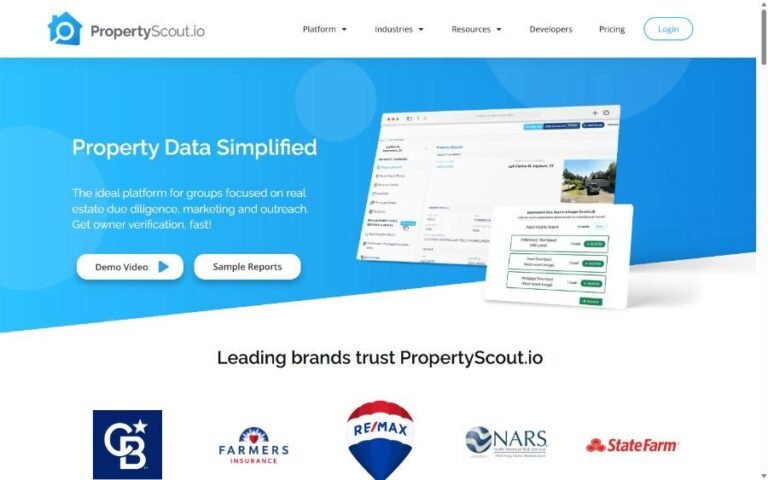
PropertyScout.io: AI Support Assistant
An LLM support assistant grounded in the product’s help docs (RAG), with answer ratings and an admin dashboard.
- Angular
- .NET
- LLM + RAG
Cost & scope
Project Cost and Delivery Factors
The factors that most influence the cost of a web application are:
Number of user roles and workflows in the first release.
Integrations and the quality of third-party APIs.
Data complexity
reporting, search, calculations and imports.
Security and compliance requirements, such as single sign-on, audit trails or data residency.
Multi-tenancy and billing for SaaS products.
Design depth and bilingual support.
Hosting, monitoring and support expectations after launch.
We recommend starting with the smallest release that delivers real value to users, then building on it. After discovery, you’ll receive an estimate broken down by feature and phase.
Explore
Our App & Software Development Services
Every project is different. These related services often form part of the same product.
FAQ
Web Application Development FAQs
What is the difference between a website and a web application?
A website mainly presents information. A web application lets users log in and complete tasks such as booking, ordering, approving or analysing, with their own data and permissions.
Can a web application work on mobile phones?
Yes. Web applications can be designed responsively for phone screens, and progressive web apps can be added to the home screen. If users need push notifications, camera or offline features regularly, a native or cross-platform mobile app may be the better fit.
Can you build a SaaS product?
Yes, if your proposition suits a subscription model. SaaS adds multi-tenant data separation, subscription billing and account management to the scope, so we’ll plan those from the first release.
Can you connect the web app to our existing systems?
Usually. We confirm what each system’s API allows during discovery and design the integration before it goes into the estimate.
Who hosts and owns the application?
You own the application, source code and data. Hosting should be set up in your company’s accounts. We can manage deployments and monitoring for you if you prefer.
Do you build web applications for companies outside Dubai?
Yes. We work with businesses throughout the UAE and can run workshops in person or remotely.
Discuss Your Web Application
Tell us who will use the application, which tasks it should handle and which systems it needs to connect to. We’ll come back with questions, a recommendation on web app vs mobile app, and a clear next step for your web application development project in Dubai.
Email info@netmarkseo.com