
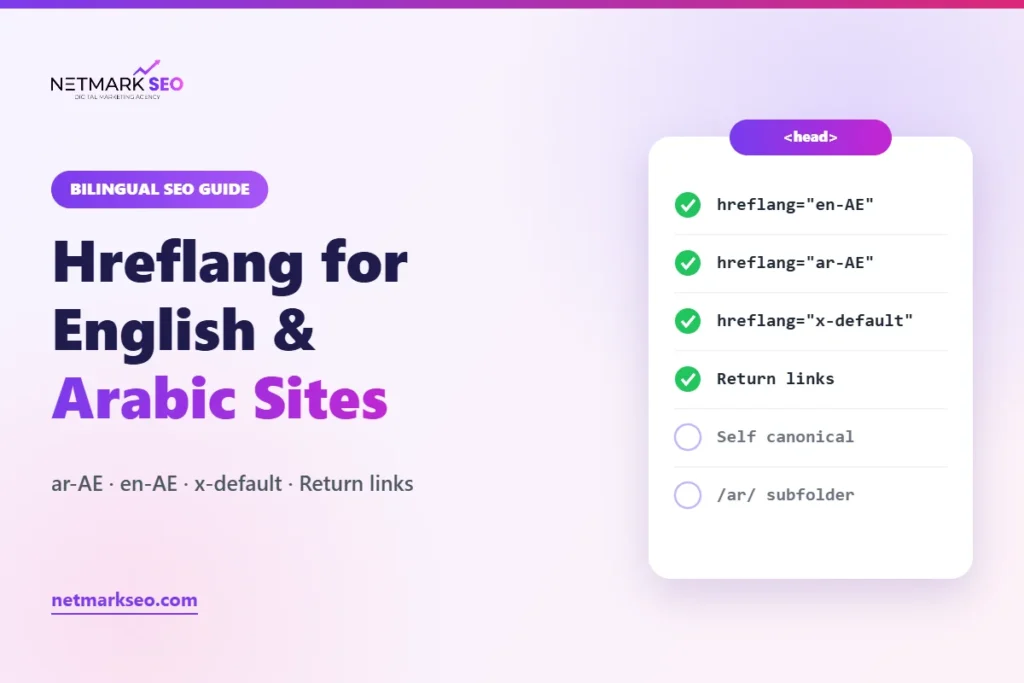
Hreflang tells Google which language or regional version of a page to show each searcher. On a bilingual UAE website, it links each English page to its Arabic equivalent, so Arabic searchers see the Arabic page and English searchers see the English one. Set it up correctly and both versions can rank in the right searches. Get it wrong and Google may show the wrong language, or simply ignore the tags.
This guide covers the codes, the rules Google actually enforces, how to set it up on WordPress and Shopify, and the mistakes we see most often on Arabic websites.
What hreflang does (and doesn’t do)
Hreflang is a signal, not a command. It helps Google choose between versions of the same content that already exist and are indexed. It doesn’t:
- translate anything,
- get a page indexed that otherwise wouldn’t be,
- make an Arabic page rank if the content is weak or poorly targeted.
It’s most useful when you have equivalent pages in two or more languages, such as /services/seo/ and /ar/services/seo/.
The codes: language first, region optional
An hreflang value is a language code (ISO 639-1), optionally followed by a region code (ISO 3166-1 alpha-2):
| Value | Meaning |
|---|---|
ar | Arabic, any region |
en | English, any region |
ar-AE | Arabic, for users in the UAE |
en-AE | English, for users in the UAE |
ar-SA | Arabic, for users in Saudi Arabia |
x-default | Fallback for users who don’t match any other version |
Rules worth remembering:
- The language comes first.
ar-AEis valid.AE-arandaeon its own are not (aeisn’t a language code). - There’s no code for a city. “Dubai” or “Abu Dhabi” can’t be used.
- A region alone isn’t allowed. You always need the language.
Should you use ar or ar-AE?
If your Arabic pages are meant for Arabic speakers anywhere, use ar and en. If you have different versions for different countries, for example UAE pages with AED prices and Saudi pages with SAR prices, use region codes such as ar-AE and ar-SA. A common, safe set-up for a business serving only the UAE is en-AE + ar-AE + x-default. Adding plain en and ar as well catches speakers in other countries.
What matters most is consistency: use the same codes on every page.
The three rules Google enforces
- Return links (reciprocity). If the English page points to the Arabic page, the Arabic page must point back to the English page. Without the return link, Google may ignore the tags.
- Self-reference. Each page lists itself as well as its alternates.
- Canonical URLs only. Hreflang should point to indexable, canonical URLs, not to redirected pages,
noindexpages or URLs with tracking parameters. Each language version should have a self-referencing canonical. Don’t canonicalise the Arabic page to the English one.
Example: a two-language service page
On both the English and Arabic page, in the <head>:
<link rel="alternate" hreflang="en-AE" href="https://example.ae/services/seo/" />
<link rel="alternate" hreflang="ar-AE" href="https://example.ae/ar/services/seo/" />
<link rel="alternate" hreflang="x-default" href="https://example.ae/services/seo/" />
Both pages carry the same set of tags. That covers self-reference and return links in one go.
Hreflang can also go in the XML sitemap or in HTTP headers (useful for PDFs). Pick one method and use it consistently.
Choosing the URL structure
| Structure | Example | Notes |
|---|---|---|
| Subfolder | example.ae/ar/ | Easiest to manage; authority stays on one domain. The usual recommendation |
| Subdomain | ar.example.ae | Works, but is managed more like a separate site |
| Separate domains | example.ae / example.sa | Strongest country signal; the most work to build and maintain |
| Parameters | ?lang=ar | Not recommended |
Avoid switching language automatically based on the visitor’s IP or browser. Google mostly crawls from US IP addresses and could end up seeing only one version. Let users choose, with a visible language switcher that links to the equivalent page, not the homepage.
Setting it up on WordPress
- WPML and Polylang generate hreflang tags automatically when pages are linked as translations.
- Make sure every English page is actually linked to its Arabic translation in the plugin. Unlinked pages get no hreflang.
- Check that your SEO plugin and the multilingual plugin don’t both output tags.
- Set
x-defaultto your main language, which is usually English.
Setting it up on Shopify
Shopify Markets creates language and country versions (for example /ar-ae/) and adds hreflang automatically once languages are published. Your job is to make sure the Arabic content is genuinely translated and published, not left half in English. See our Shopify SEO checklist for the full set-up.
Hreflang works best with real localisation
Hreflang only decides which version Google shows. The Arabic version still has to deserve to rank:
- Arabic keyword research done separately (see our guide to Arabic keyword research)
- Arabic titles, meta descriptions, headings and image alt text
- Right-to-left layout that works on mobile
- Arabic URL slugs, or clean transliterated ones
Common hreflang errors on Arabic websites
| Error | Fix |
|---|---|
| Arabic page doesn’t link back to the English one | Add reciprocal tags on both pages |
hreflang="ae" or hreflang="ar-UAE" | Use ar-AE |
| Arabic page canonicalised to the English page | Self-referencing canonical on each version |
| Hreflang pointing to redirected or 404 URLs | Point to final, live URLs |
| Language switcher links to the Arabic homepage | Link to the equivalent Arabic page |
| Half-translated Arabic pages | Translate fully before publishing |
| Tags added only to the homepage | Add them to every page that has a translation |
How to check your hreflang
- View the page source and search for
hreflang. - Crawl the site with an SEO crawler that reports missing return links and invalid codes.
- In Search Console, filter Performance by country and query language patterns to see whether Arabic pages are appearing for Arabic searches.
Frequently asked questions
Do I need hreflang if my Arabic and English pages are completely different?
Hreflang is for equivalent pages. If a page exists in only one language, it doesn’t need hreflang. Pages that have equivalents still do.
Does Google use the lang attribute to work out the language?
Google says it determines language from the visible content, not from the HTML lang attribute. Still set lang="ar" and dir="rtl" on Arabic pages, because browsers and screen readers rely on them.
Can I target Saudi Arabia from a UAE website?
Yes. Create Saudi-specific pages where the content genuinely differs (prices, locations, regulations) and tag them ar-SA or en-SA. If the content is identical for both countries, plain ar is enough.
Need hreflang set up properly?
We set up bilingual English and Arabic websites, from keyword research to hreflang and RTL testing. See our Arabic SEO services in Dubai and why multilingual SEO matters in GCC markets, or request a free audit on +971 56 568 3130.